
Guided Check-In With ID Capture
A five-step check-in that captures the guest's ID, picks a ready room, confirms the tariff and takes the advance — and builds a guest register you can search in seconds.
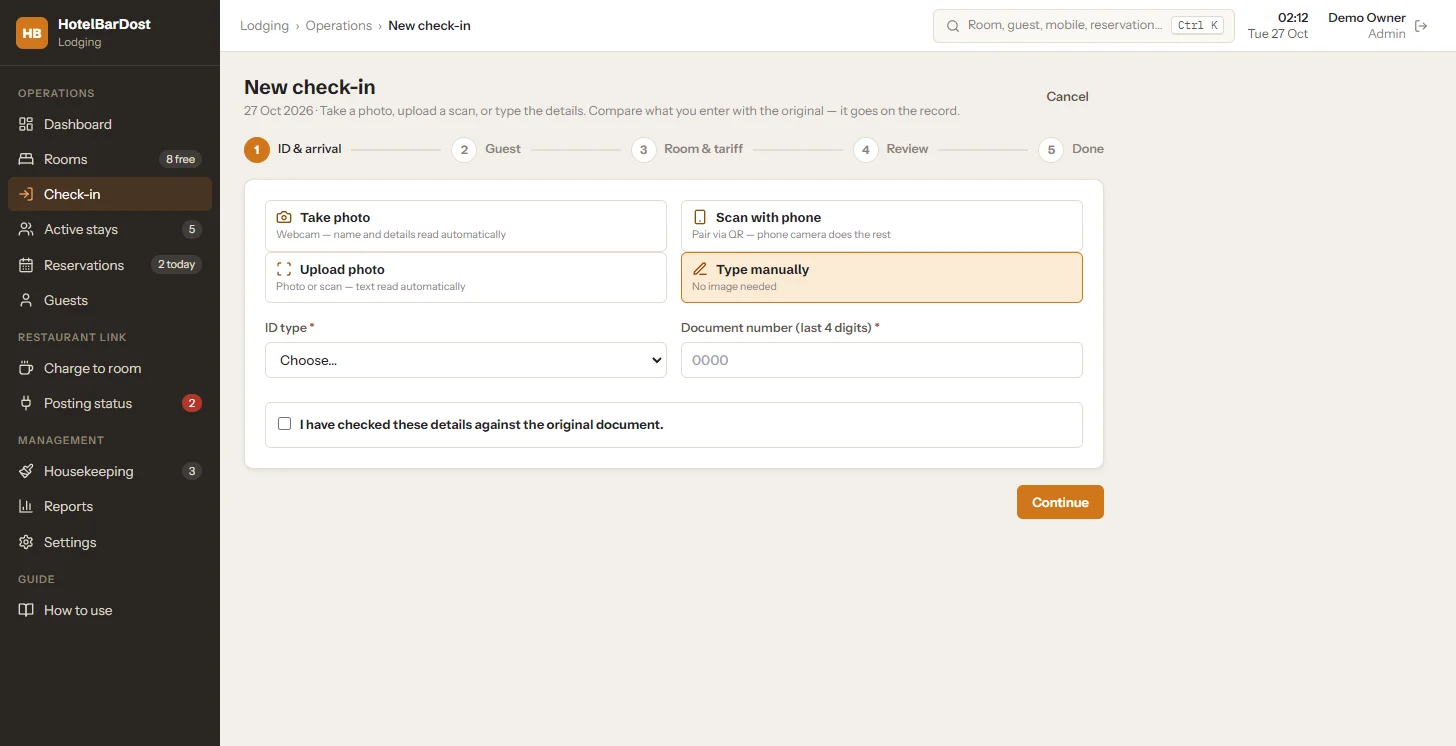
Webcam, upload, phone-QR or manual ID entry
What is hotel check-in software?
Hotel check-in software replaces the paper register at the front desk. In HotelBarDost Lodging, staff follow five guided steps — ID & arrival, guest, room & tariff, review, done — and the guest's details are saved to a searchable guest register on your own PC, with no internet needed.
- Steps
- ID & arrival → guest → room & tariff → review → done
- ID capture
- Webcam, photo upload, phone camera paired by QR, or typed
- Pre-fill
- Offline text recognition (OCR) and Aadhaar QR reading
- Aadhaar
- Only the last 4 digits are stored
- Returning guests
- Found by mobile number
- Price
- ₹18,000 one-time · 7-day free trial
A paper guest register is slow at the busiest moment of the day. Handwriting is hard to read, ID photocopies pile up in a drawer, and finding a returning guest — or listing foreign guests for a date — means turning pages.
HotelBarDost Lodging walks the desk through a guided check-in. The ID is captured on screen, offline text recognition and Aadhaar QR reading fill the form, staff confirm the details against the original, and the room board updates the moment the guest is checked in.
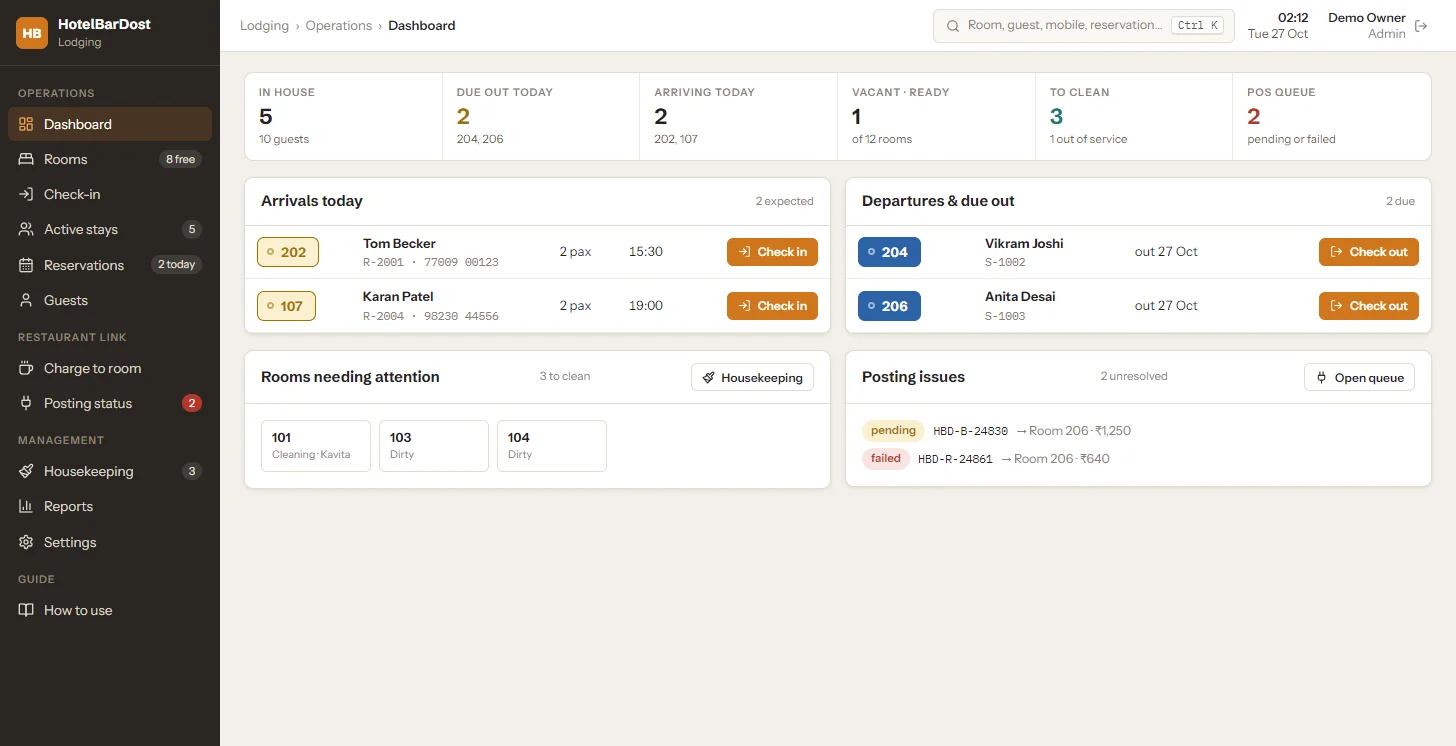
Step by step
From the guest walking in to the room going occupied — every step on one screen.
Capture the ID by webcam, photo upload, a phone camera paired by QR, or type the details.
Offline OCR and Aadhaar QR reading pre-fill the form; staff tick that they compared it with the original document.
Pick a ready room, confirm the tariff for the stay and take an advance if needed.
Review and finish — the room goes occupied on the board and the guest folio opens.
Everything the check-in desk needs
Built around how Indian lodges actually check guests in — quickly, with the ID on record and nothing typed twice.
What it does not do
We state the limits plainly, so you know exactly what you are buying.
- It does not verify or authenticate IDs — staff compare details with the original document
- It does not file Form C or police reports — it helps you keep the records you need
- No online pre-check-in or guest self check-in
- Screens are in English today (demo and support also in Marathi)
Faster check-ins, cleaner records
Every guest is on record with the ID captured once, so the desk spends less time writing and the owner can find any stay in seconds.
- Shorter queues at the desk during arrivals
- A searchable guest register instead of a paper book
- Returning guests checked in faster by mobile number
- ID images and Aadhaar handled with permission and an audit trail
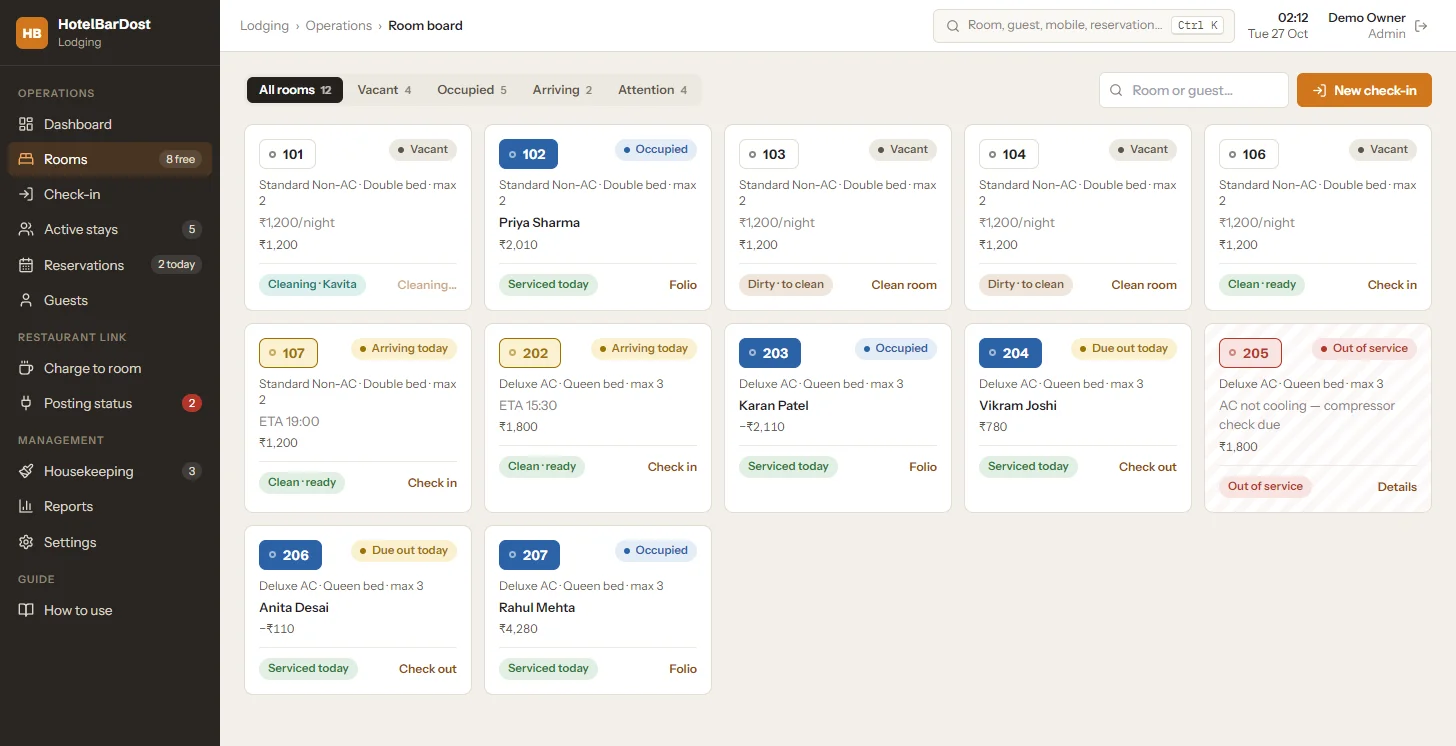
Frequently asked questions
Common questions about guest check-in in HotelBarDost Lodging.
Staff can take a webcam photo, upload a scan, pair a phone camera by QR code, or type the details. Offline text recognition and Aadhaar QR reading pre-fill the form, and staff tick that they have compared the details with the original document.
Only the last 4 digits of an Aadhaar number are stored. Viewing a saved ID image needs permission, and every view is recorded in the audit trail.
No. Text recognition runs on the front-desk PC with bundled files. The only optional network use is pairing a phone camera on your own Wi-Fi to photograph an ID.
Yes. The guest register and foreign-guest list help you prepare your report. Lodging does not file Form C or submit anything to any authority — that remains the property's responsibility.
Yes — search by mobile number at check-in, or use Ctrl+K search across rooms, guests, mobile numbers and reservations.
Still have questions?
We're happy to walk you through HotelBarDost Lodging with your own rooms and tariffs.
- No credit card required
- 7-day free trial
- Marathi & English support
Read more on this topic
More Lodging features
Replace the register book at your desk
Free trial or a live demo — see guided check-in with your own rooms and tariffs.
- No credit card required
- 7-day free trial
- Marathi & English support