Loading…
Loading…
Dual-location backups, triggered on version updates, daily, and every shift close — plus corruption detection and one-click restore.
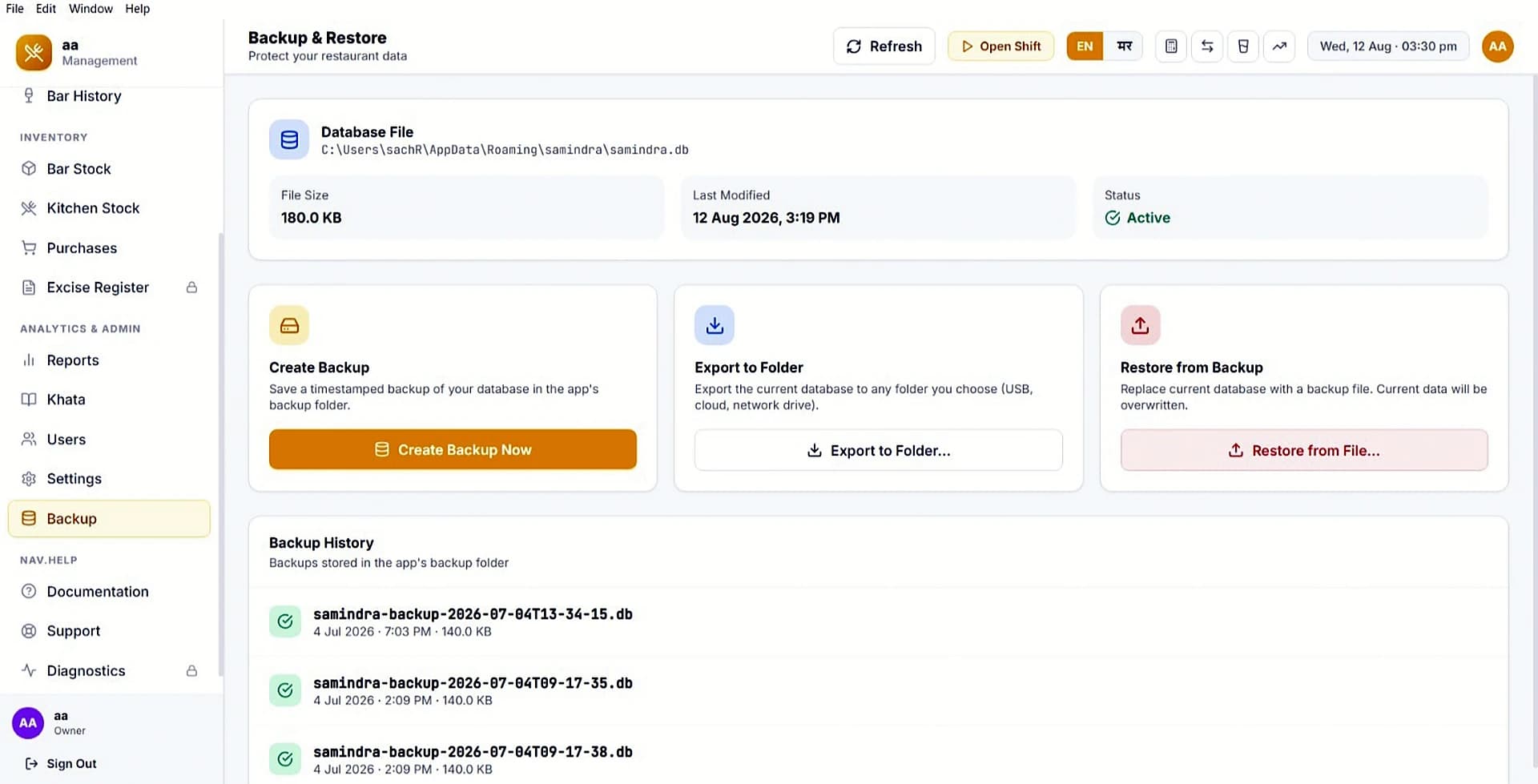
Backup list with one-click restore
A single PC failure or corrupted database can wipe out months of billing, inventory, and credit records — with no cloud to recover from.
HotelBarDost automatically backs up your database to two locations on every version change, daily, and on every shift close — with integrity validation, corruption detection at startup, and one-click restore that takes a safety backup first.
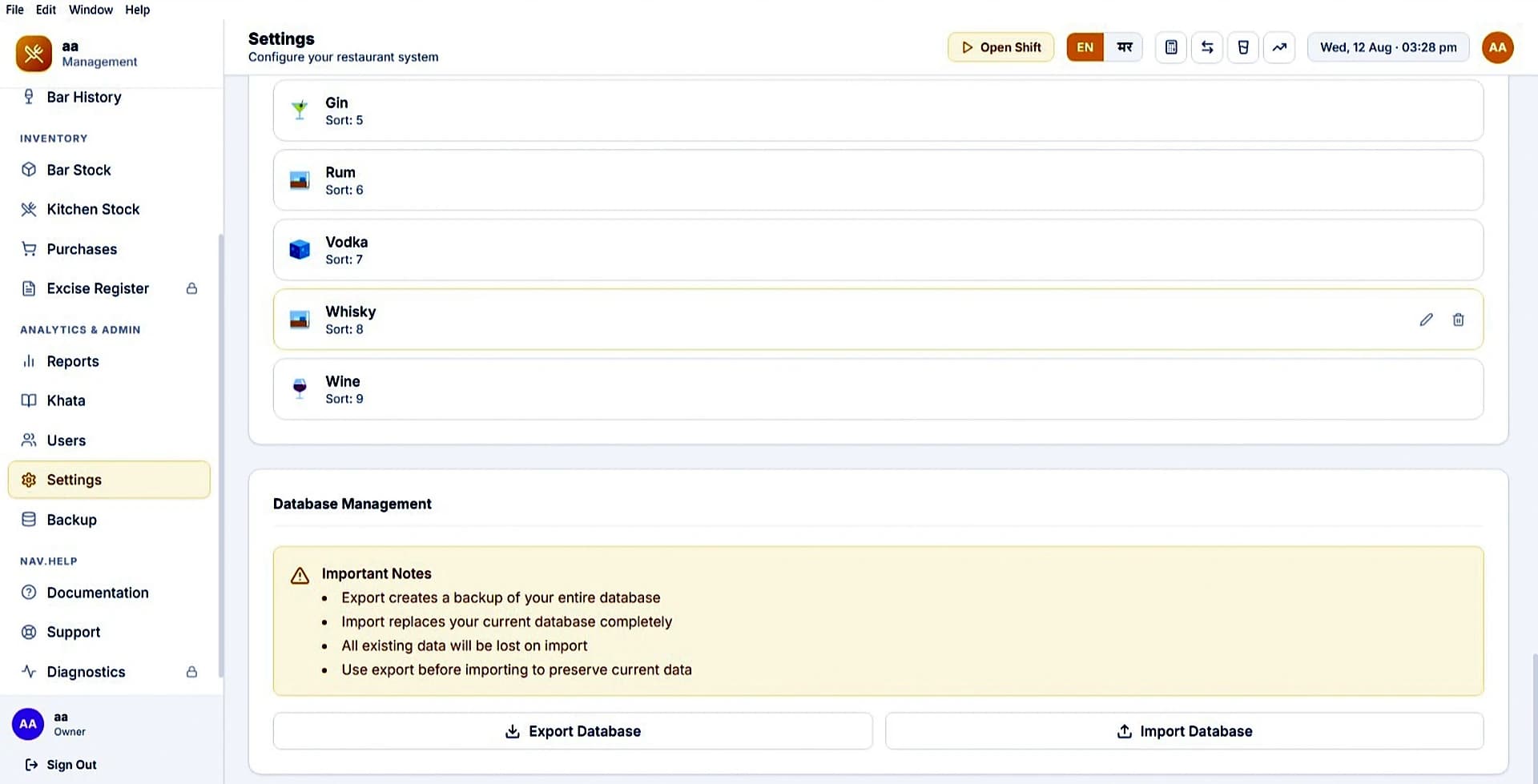
Set it once and forget — backups happen automatically, and restoring is a single validated click.
Backups are written to two locations — app data folder and Documents — with integrity check.
Auto-backups trigger on version change, daily, and on every shift close (90 retained).
To restore, pick a backup — system validates it and takes a safety backup first.
On startup, corrupted databases auto-restore from the newest valid backup file.
Dual-location backups, integrity checks, and one-click restore — your data stays safe without relying on the cloud.
Dual-location automatic backups mean your business data survives hardware failures, file corruption, and staff mistakes — without relying on anyone remembering to run a backup.
Common questions about backups, restore, and data safety.
Backups are written to two locations — the application data folder and your Documents folder — with integrity validation on every write.
Auto-backups trigger on software version changes, daily, and on every shift close. Up to 90 shift-close backups are retained.
On startup, HotelBarDost detects corruption and automatically restores from the newest valid backup. The corrupted file is preserved with a timestamp for review.
We're happy to walk you through HotelBarDost and answer anything specific to your bar or restaurant.
Free trial or demo — automatic backup & one-click restore.